

Starbucks - Pay 6% less
- Pay 6% less for a Starbucks Shopping Card through the Kids Pass app
- Receive the full Shopping Card value to spend
- Add your digital card to your Starbucks® Rewards account before use
- Use your balance in participating Starbucks stores
Try Kids Pass for 30 days for only £1.
Renews at £4.99 p/month. Cancel anytime.

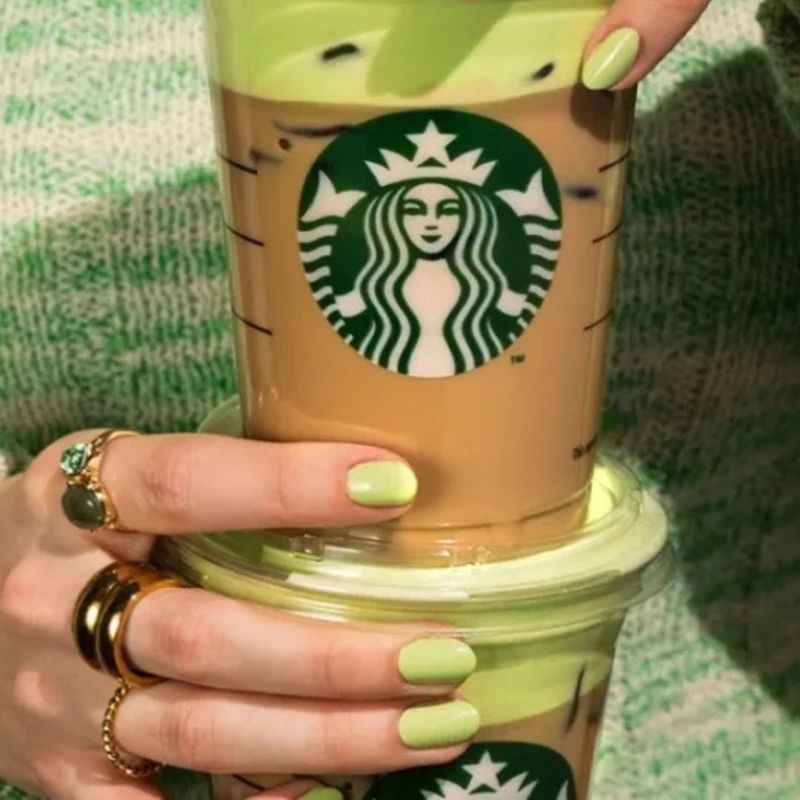
Pay 6% less for a Starbucks Shopping Card with Kids Pass
Kids Pass members can buy a digital Starbucks Shopping Card through the Kids Pass app and pay 6% less than its full value. You'll still receive the complete card value to spend at Starbucks.
For example, a £100 Starbucks Shopping Card costs you £94, while you receive the full £100 value. The saving is applied when you purchase your card, so there's no cashback to claim or wait for.
How your Starbucks Shopping Card works
- Open Shopping Cards in the Kids Pass app and select Starbucks
- Choose how much you would like to spend
- Pay 6% less than the value of your card
- Receive your digital Starbucks card
- Add the card to your Starbucks® Rewards member account before using it
Use your Starbucks Shopping Card in store
Once your card has been added to your Starbucks® Rewards account, you can use the available balance towards eligible purchases at participating Starbucks stores.
You don't have to spend the full balance in one visit. Any amount you don't use remains available for future purchases.
Save on your favourite Starbucks drinks and treats
Whether you're picking up your morning coffee, meeting friends or treating yourself to a drink and something to eat, buying your Starbucks Shopping Card through Kids Pass is an easy way to pay less.
Simply purchase your card before you visit and get the full card value while paying 6% less.
Your Starbucks Shopping Card does not expire.
Please note: your card must be added to a Starbucks® Rewards member account before use.
In Summary: Choose a Starbucks Shopping Card, pay 6% less through Kids Pass and enjoy the full card value at Starbucks.
Photo Gallery


Frequently Asked Questions
What is a Starbucks Shopping Card? +
A Starbucks Shopping Card is a digital Starbucks gift card purchased through the Kids Pass app. You pay 6% less than its value while receiving the full amount to spend at Starbucks.
How do I buy a Starbucks Shopping Card? +
Open the Kids Pass app, go to Shopping Cards and select Starbucks. Choose the amount you need, complete your payment and your digital card will be issued.
Do I need a Starbucks Rewards account? +
Yes. Your Starbucks Shopping Card must be added to a Starbucks® Rewards member account before use.
Do I need a physical Starbucks card? +
No. Your Starbucks Shopping Card is digital, so nothing is posted and there is nothing to print.
Can I spend my Starbucks Shopping Card more than once? +
Yes. You can use the available balance across multiple purchases rather than spending the full amount at once.
Does my Starbucks Shopping Card expire? +
No. The Kids Pass app currently states that the Starbucks Shopping Card does not expire.
Where can I find my card after purchasing it? +
Your card will appear under My Cards in the Kids Pass app and in the email sent when it is issued. You may also be able to add it to Apple Wallet or Google Wallet.
Can I give a Starbucks Shopping Card as a gift? +
Yes. Once your card has been issued, tap “Send as a gift” from My Cards in the Kids Pass app. You can add a short message and share the provided link.
About Kids Pass
We're the number one family savings club! One affordable subscription that unlocks 1000's of discounts at the UK's biggest and best attractions.
Kids Pass allows you and your family to benefit from fantastic savings across some of the nations most loved attractions, including theme parks, restaurants, cinema chains and more.

Trustpilot Reviews
Memberships from just £1
Is how much the average Kids Pass user saves in 1 year!
*Based on a family of 2 adults and 2 children.

Members and counting!
Discounts & Offers
As seen on:

Try Kids Pass for only £1 and get up to 51% off Theme Parks
Try Kids Pass for only £1 and get up to 45% off Cinema Tickets
Try Kids Pass for only £1 and get up to 40% off Outdoor Activities
Try Kids Pass for only £1 and get up to 40% off Indoor Activities

Try Kids Pass for only £1 and get up to 40% off Zoos and Safari Parks

Try Kids Pass for only £1 and get up to 44% off Aquariums

Try Kids Pass for only £1 and get up to 20% off Trampoline Parks

Try Kids Pass for only £1 and get up to 30% off Family Holidays
Try Kids Pass for only £1 and get up to 30% off Hotels and Family Stays

Try Kids Pass for only £1 and get up to 20% off Family Dining

Try Kids Pass for only £1 and get up to 20% off Bowling and Mini Golf

Try Kids Pass for only £1 and get up to 50% off Museums and Stadium Tours

Try Kids Pass for only £1 and get up to 40% off Toddler Days Out

Try Kids Pass for only £1 and get up to 20% off Shopping and Gift Cards
🔓 How to unlock
Starbucks discounts
Join Kids Pass
Sign up today and get your first 30 days for just £1 (Renews at £4.99)
Find your offer
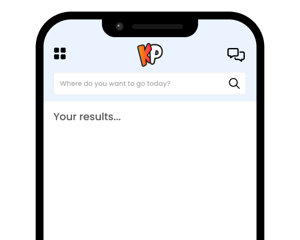
Quickly and easily find this Starbucks offer in our members area or App.
Buy Gift Cards
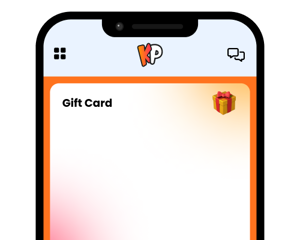
Buy Starbucks Gift Card for less!

Other shopping and gift cards


New Balance
Unlock 10% off New Balance with Kids Pass and save on trainers, running shoes, kids’ footwear, sportswear and everyday family styles, all from just £1 for 30 days.

Adidas
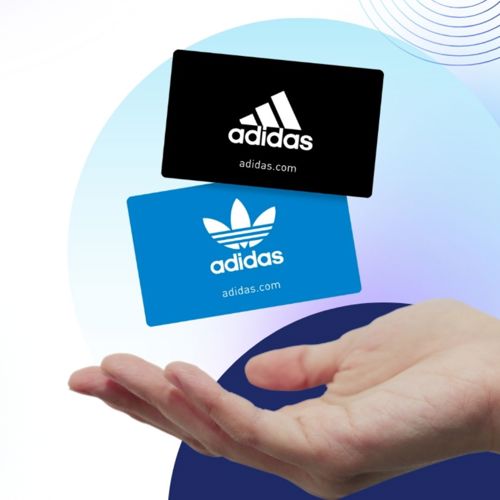
Choose an Adidas Gift Card, pay 6.5% less through Kids Pass and spend the full card value online or in store.

Rituals
Choose a Rituals UK Gift Card, pay 7% less through Kids Pass and spend the full card value online or in store.


Frankie & Benny’s
Choose a Frankie & Benny’s Gift Card, pay 8% less through Kids Pass and spend the full card value in store.

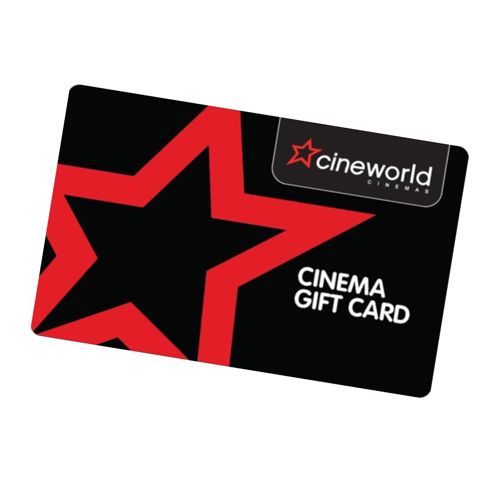
Cineworld Gift Card
Choose a Cineworld Gift Card, pay 6% less through Kids Pass and spend the full card value online or at Cineworld cinemas.

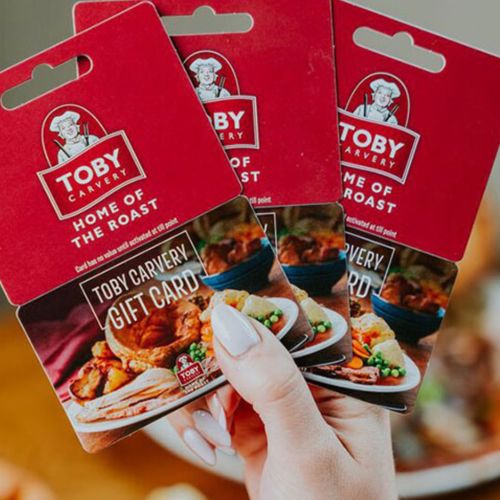
Toby Carvery
Choose a Toby Carvery Gift Card, pay 8% less through Kids Pass and spend the full card value in store.